

 1213
1213 2 minutes read
Contents
1. Reactions and feedback in Quotes
No more guessing what your client prefers — now they can react and comment directly inside the Quote. This helps you understand their choices better, refine offers faster, and convert Quotes into confirmed bookings more efficiently.
Clients can now:
- Like or Dislike hotels and transfers
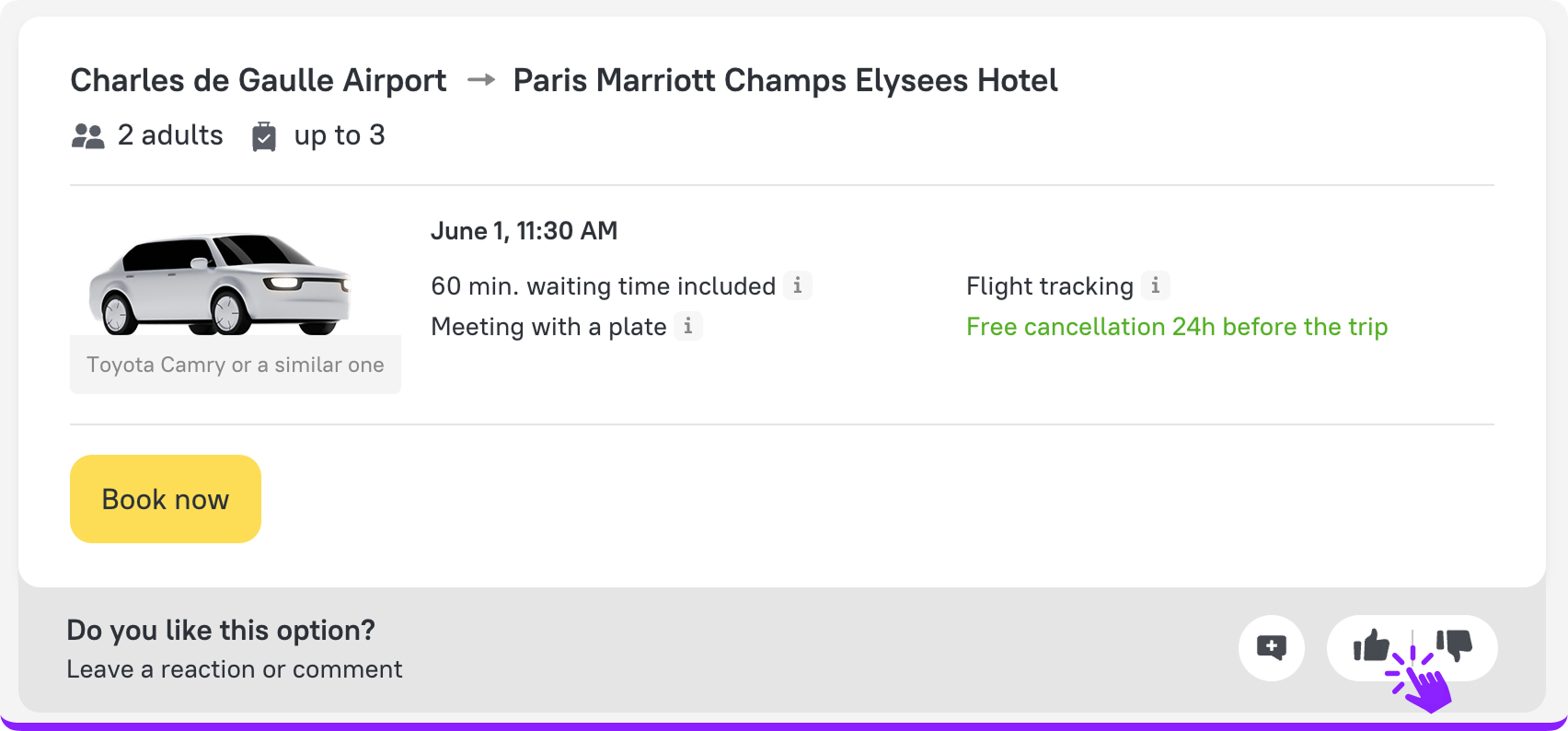
- Leave comments for more detailed feedback
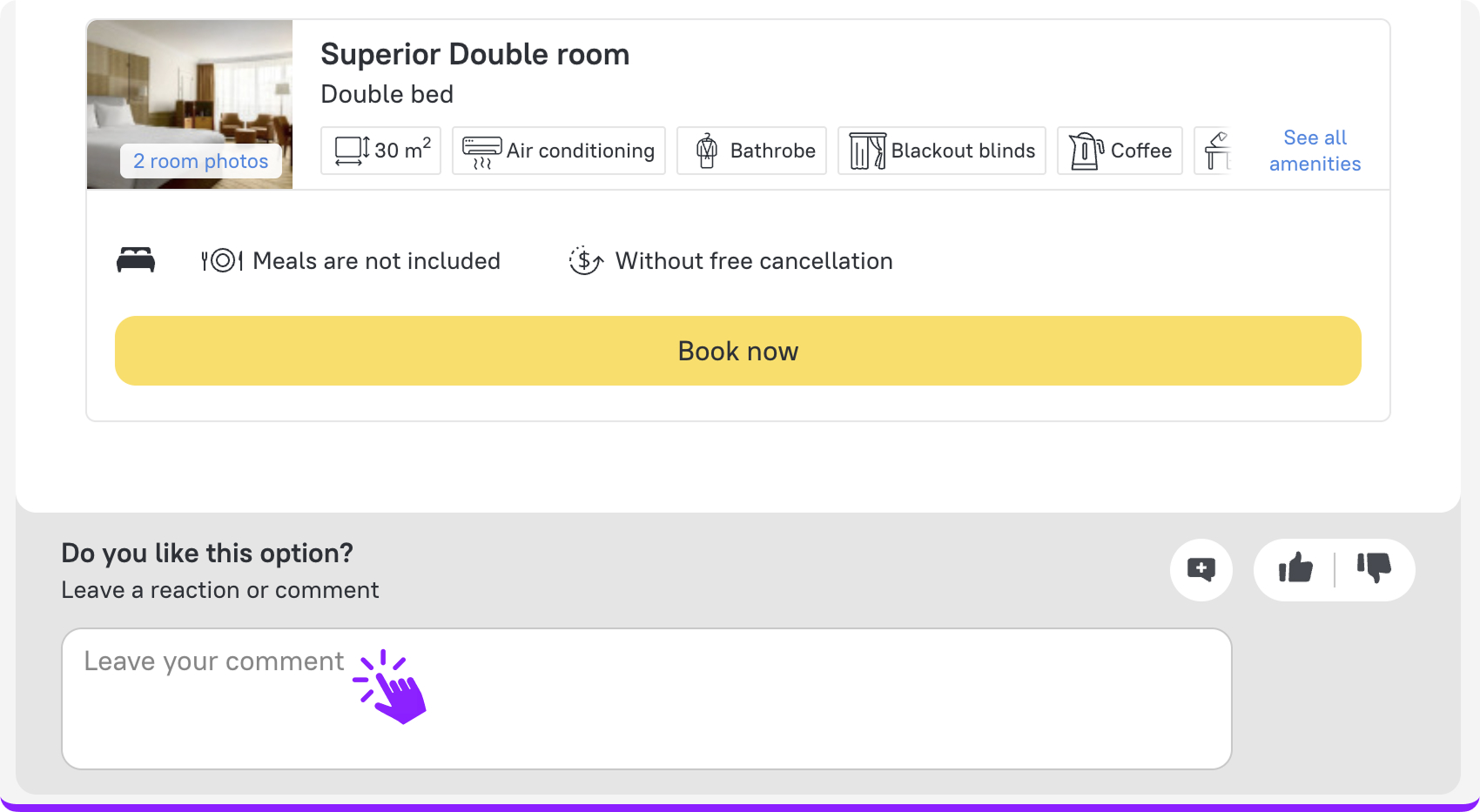
Once your client interacts with a Quote, you’ll receive an email notification — so you can quickly follow up and adjust the offer.
Note: The feature is available on both web and mobile.
2. Direct hotel payments from Quotes
Your clients can now pay for hotels directly from Quotes, reducing manual payment coordination on your side. By cutting back-and-forth communication, this feature speeds up payments and saves you time at the final stage of the booking process.
How it works:
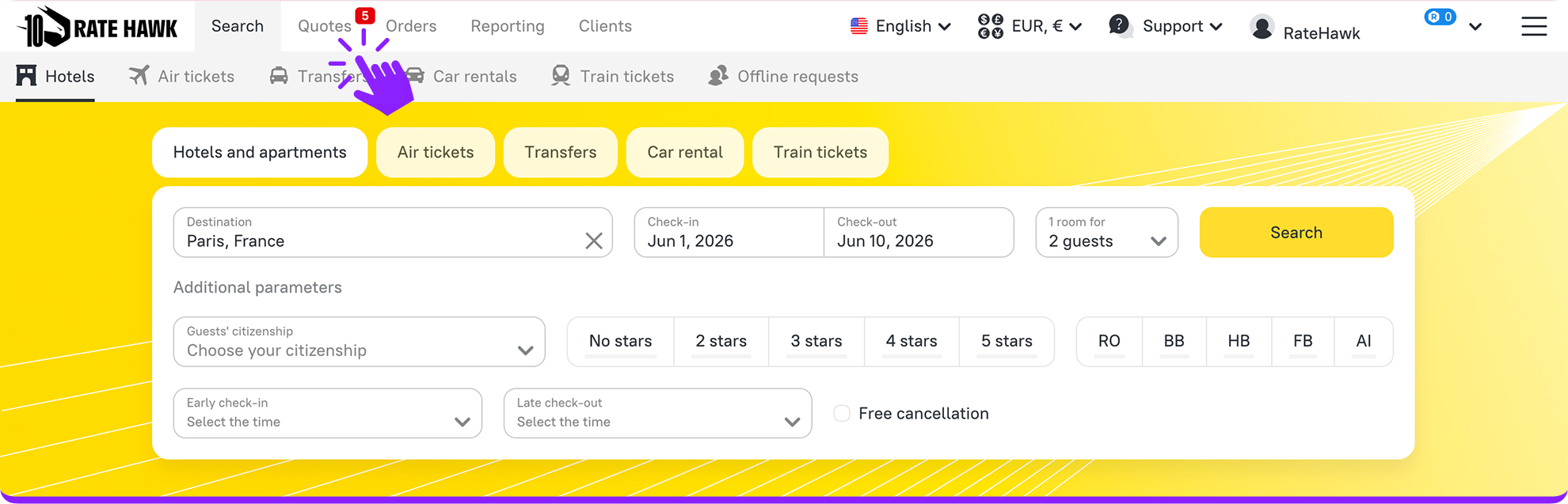
1. Go to the “Quotes” tab of your account and open the required Quote.
2. Under “Quote settings,” click on the pencil icon to edit.
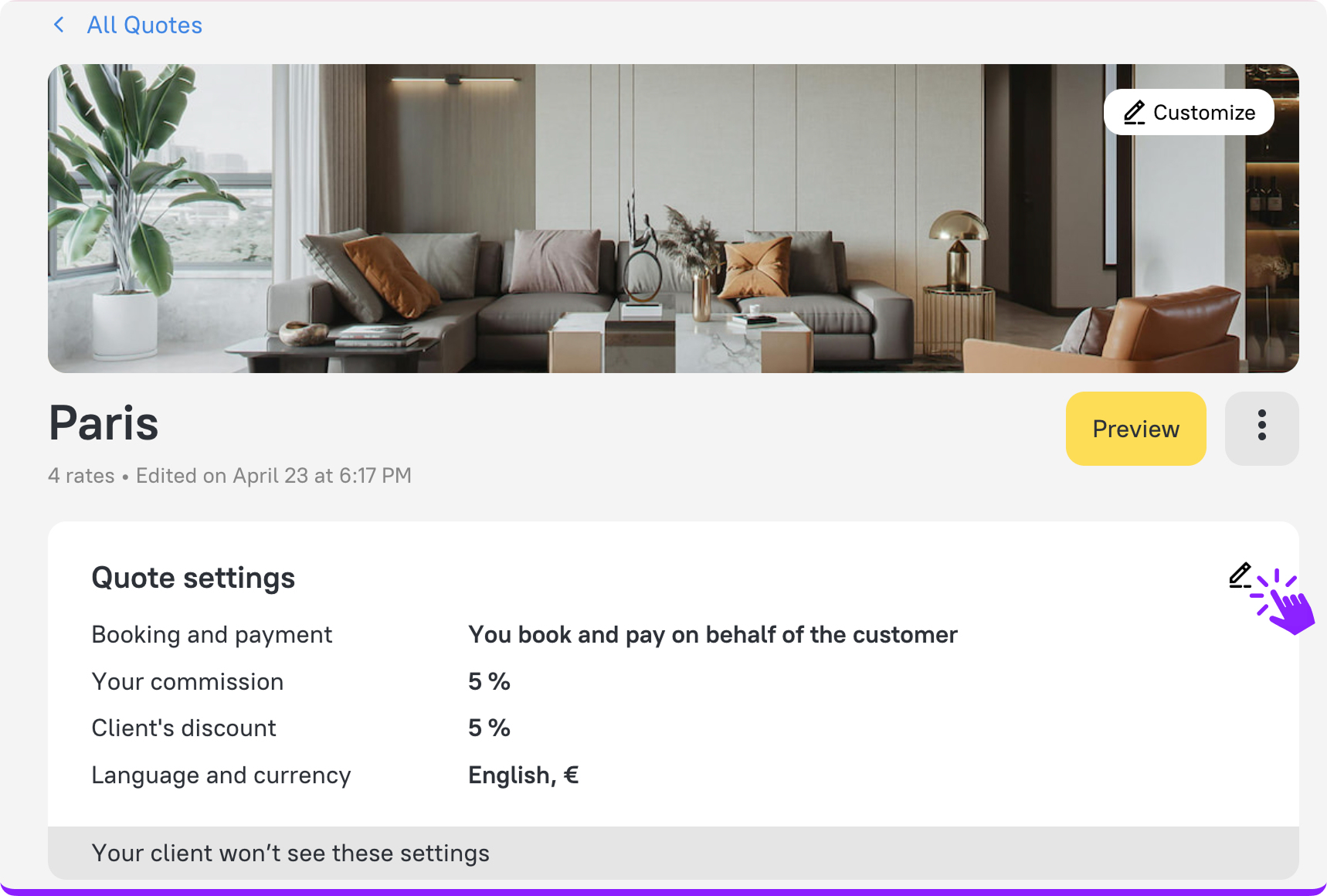
3. Under “Booking and payment methods,” select “Client books and pays independently.”
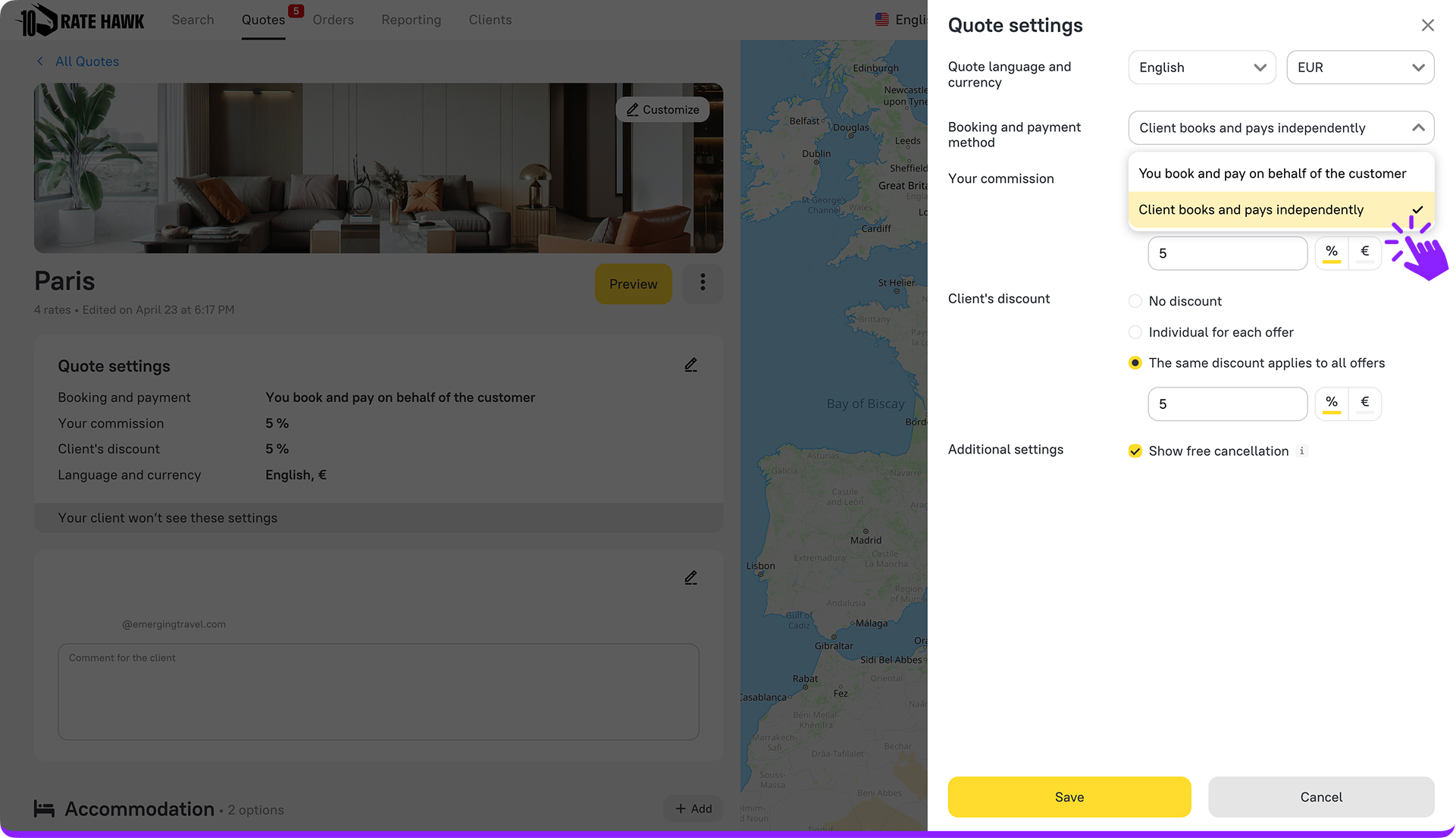
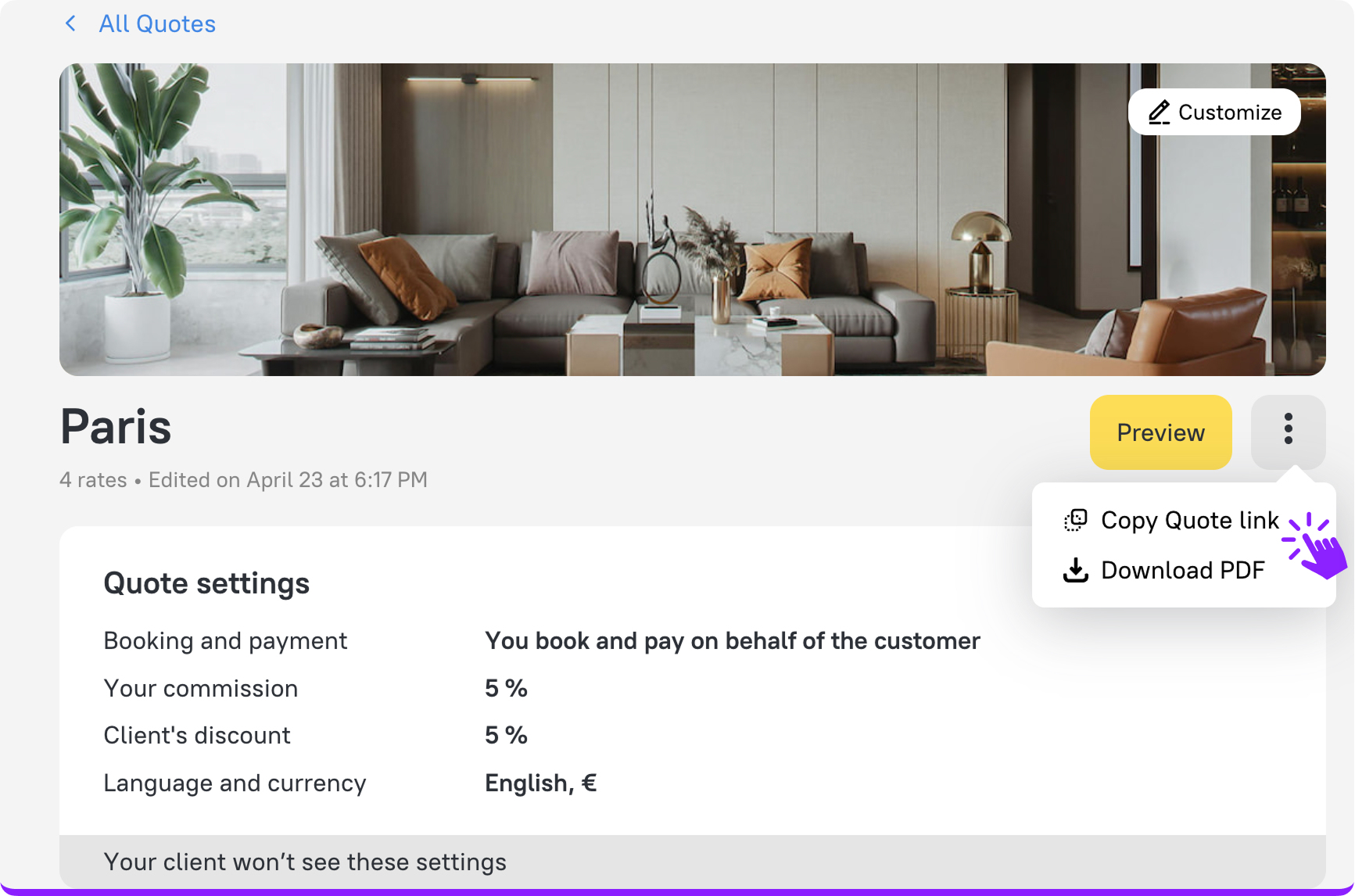
4. Share the Quote link with the client.
5. Once a hotel is selected, a payment form for your client will appear.
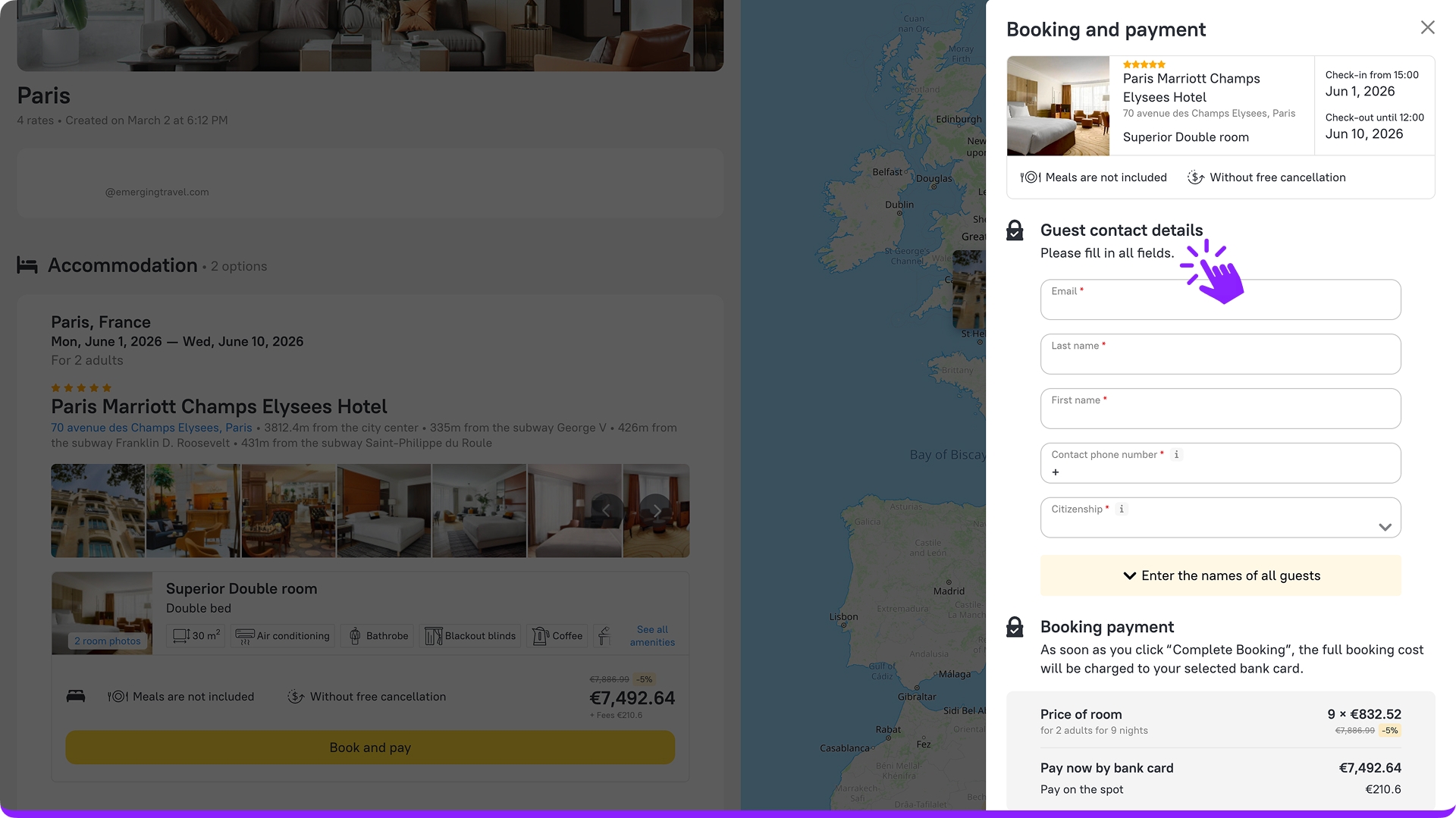
Note: Direct payment from Quotes is currently available for hotels only.
3. Manual sorting in Quotes
With Quotes’ new manual sorting feature, you have even more control over how hotel and transfer offers are presented. By prioritizing the most relevant options, you can guide your clients’ decisions more effectively.
What you can do:
- Rearrange hotel and transfer options using ↑ / ↓ controls
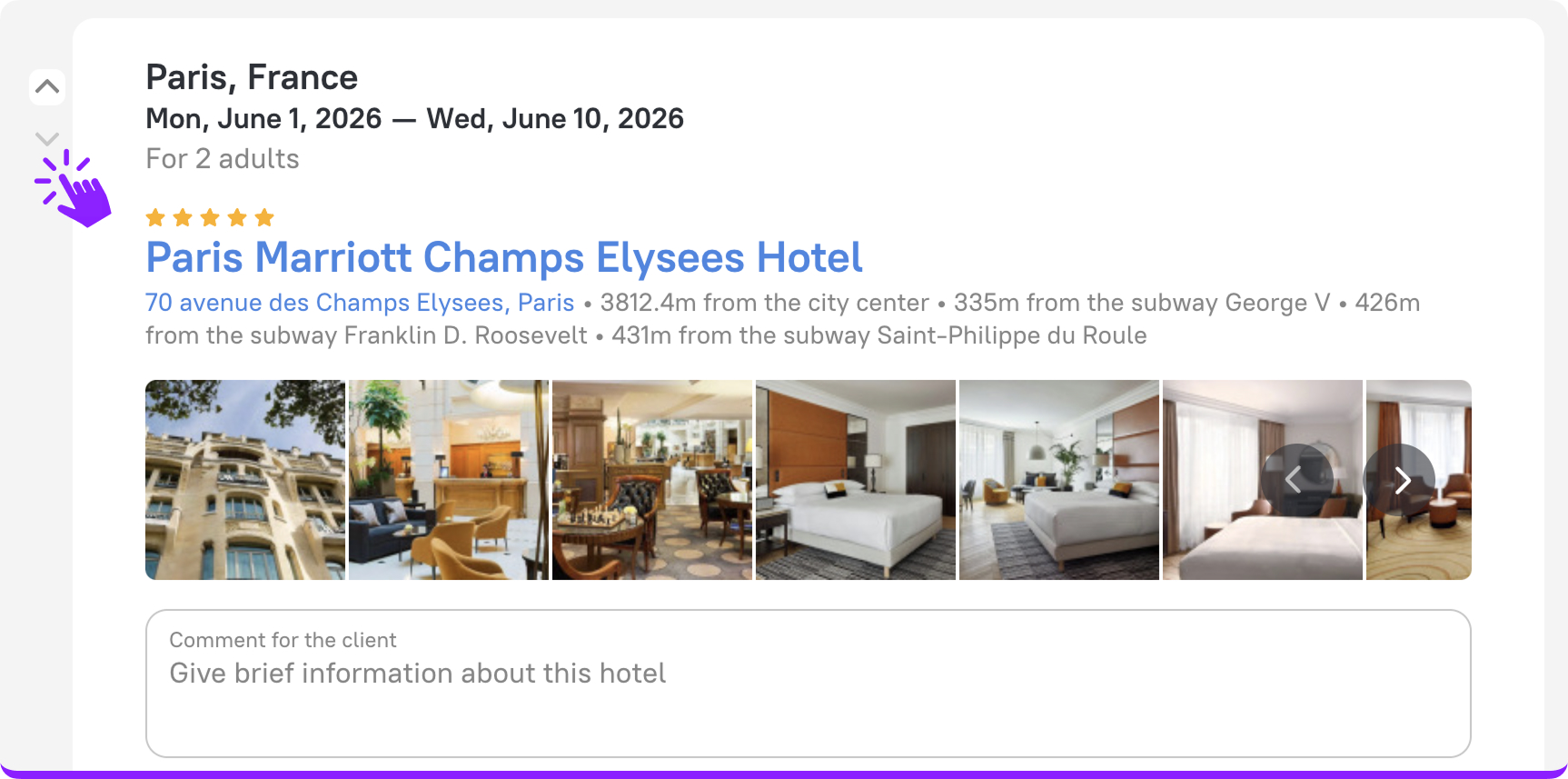
- Highlight the most relevant offers by placing them at the top
- Ensure your clients see the options in the order you set
Good to know:
- Manual sorting applies only to hotel and transfer cards
- Your sorting is automatically saved when you revisit the Quote
- Newly added rates appear at the end and can be repositioned anytime
Try supercharged Quotes!
With direct payments, smart manual sorting, and built-in client feedback, Quotes now give you everything you need to interact more effectively with clients and turn offers into confirmed bookings faster — all in one powerful workflow.
Complete bookings with confidence with empowered Quotes!